Hello! I'm fairly new to Text Blaze and picking up the role of creating and maintaining our team snippets. I've been trying to recreate the dynamic link shown in the top row of the screenshot below from scratch, but have not been successful. I've use the instructions from the help documents and I have tried searching for "link" and "url" in the command options, but I do not get any command options with those names. I've also tried to manually type it in, but it just gives me an error and doe not work either. Can some explain how to start the "link" command?
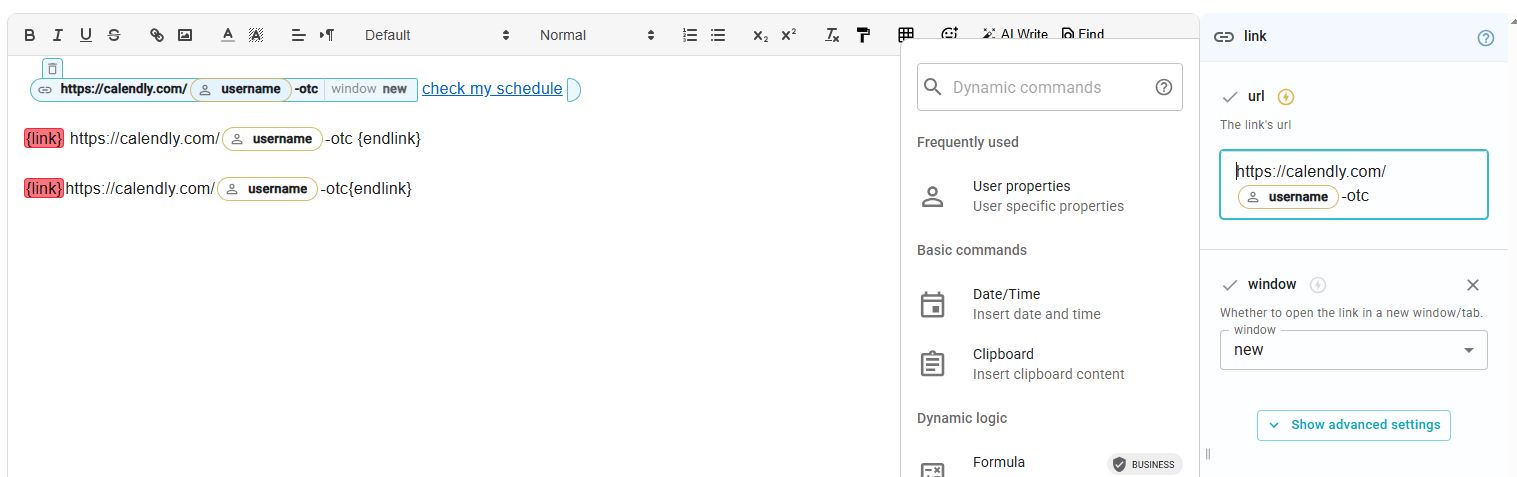
The syntax is: {link:}text{endlink}
In your example, it should be (I'm using the email property to demo, you should replace it with username property):
{link:https://calendly.com/{user:email}-otc}Check my schedule{endlink}
Thank you Dan, that works beautifully!
Will the link command have to always be typed in manually instead of being able to search for it in the commands menu? I can now type it manually, but it still looks like coding text, it does not change to the more decorative bubbles (sorry, I don't know the official lingo).
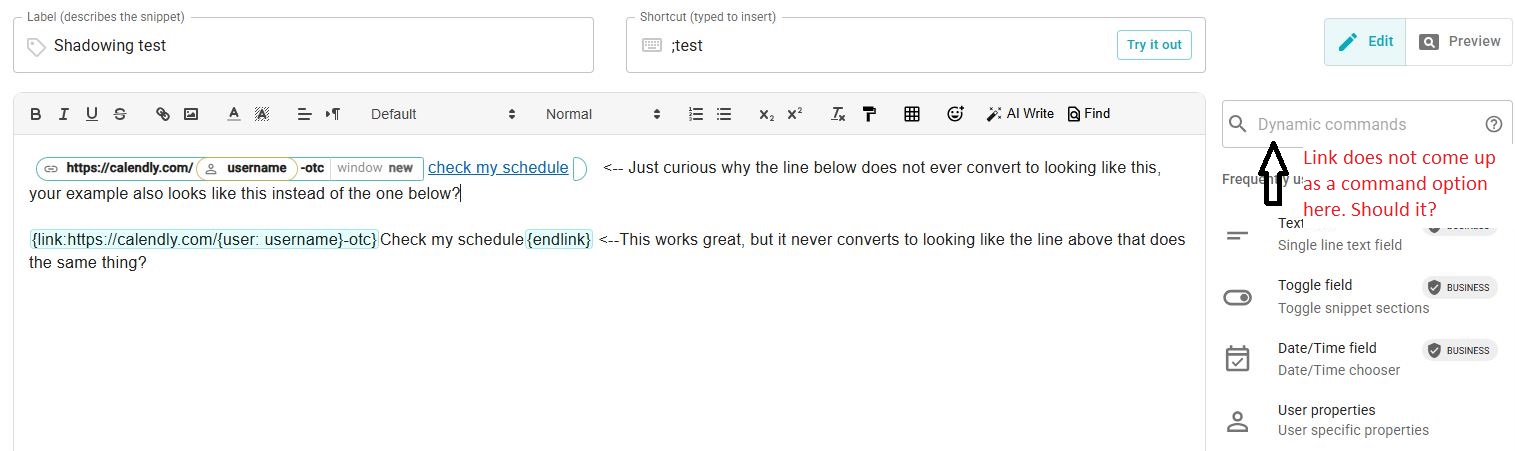
Double-click on that text and it will change to the normal command UI
Awesome! And it's not searchable command from the list?
Thank you for your patience with all my questions!
It's not 