Hi,
Is there possible to have a search box for the dropdown menu ?. It would be very helpful.
example:
I have menu with 50 different options, but know some of the name/words. So I can just start to type and it will show all the options with the words I type inn.
Hi @tony.nygard Welcome back to the forum! 
Thanks for the interesting feature request.
Note that your operating system (Windows/macOS) already provides basic search on the menu options. For example, if you open the menu and type "j", it will show the option that starts with the letter "j".
Other than that, for larger searchable lists, we recommend using Data Blaze as it would be much easier to organize. You can see an example of the menu here: Data Blaze | Reading and updating your data from anywhere and https://www.youtube.com/watch?v=A4QzalgudAw&list=PL_M2cxmq0lja0sp1GYT6ukbAvscp2PHvT&index=2
Let us know if it works for you. If it doesn't, feel free to share more details about your list and search requirements with us.
Cheers,
Gaurang
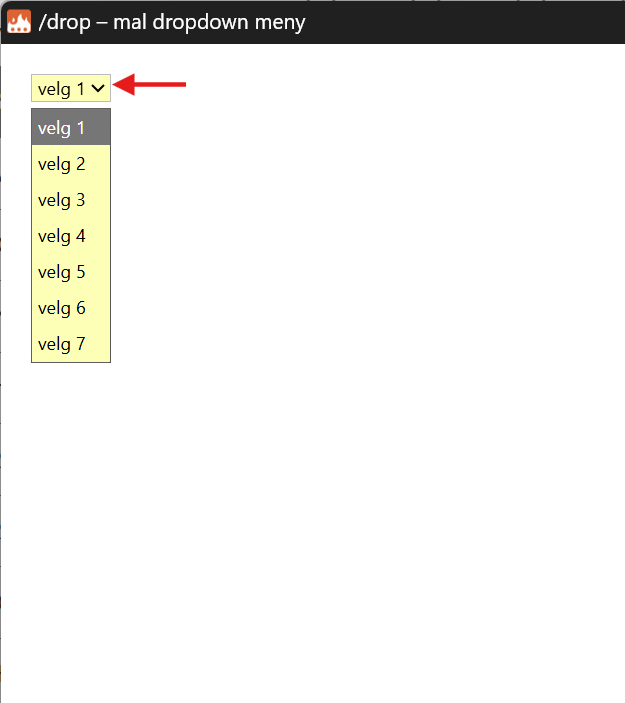
Thanks for the clarification. You can use Data Blaze to get a menu with autocomplete out of the box. Alternatively, you can use a Text Blaze snippet with custom autocomplete logic:
{formtext: name=Choice filter}{choices=["velg 1", "velg 2", "velg 3", "velg 4", "velg 5", "velg 6", "velg 7"]}{choice=catch(find(choices, x -> contains(x, `Choice filter`)), "NA") if len(`Choice filter`) > 0 else "NA"}
Your choice is: {=choice}
In this example, it will pick the first option that contains the string you input in the textbox. If I type 2, it will choose "velg 2".
You can find more details about the functions I used here: https://blaze.today/formulas/reference