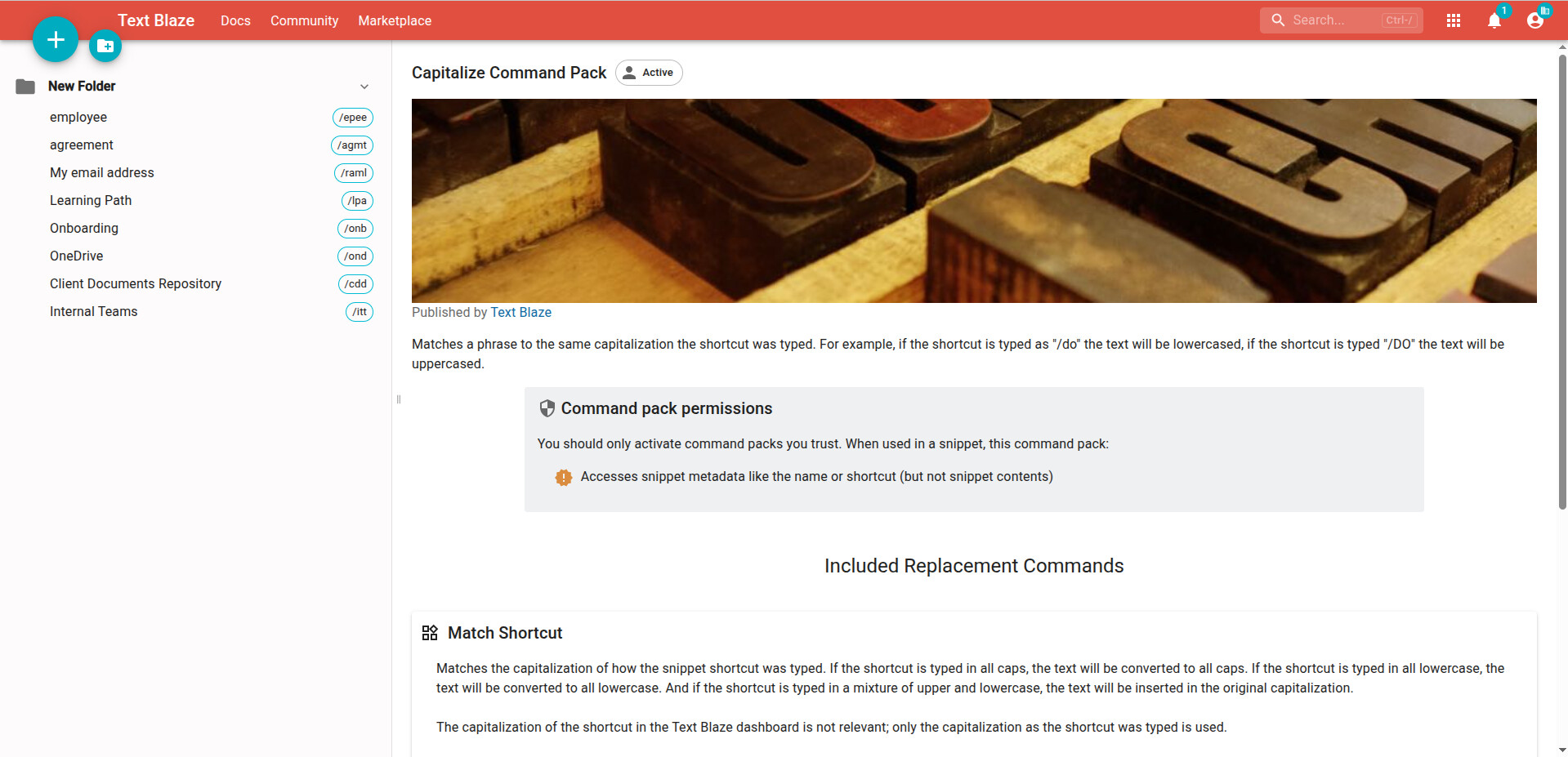
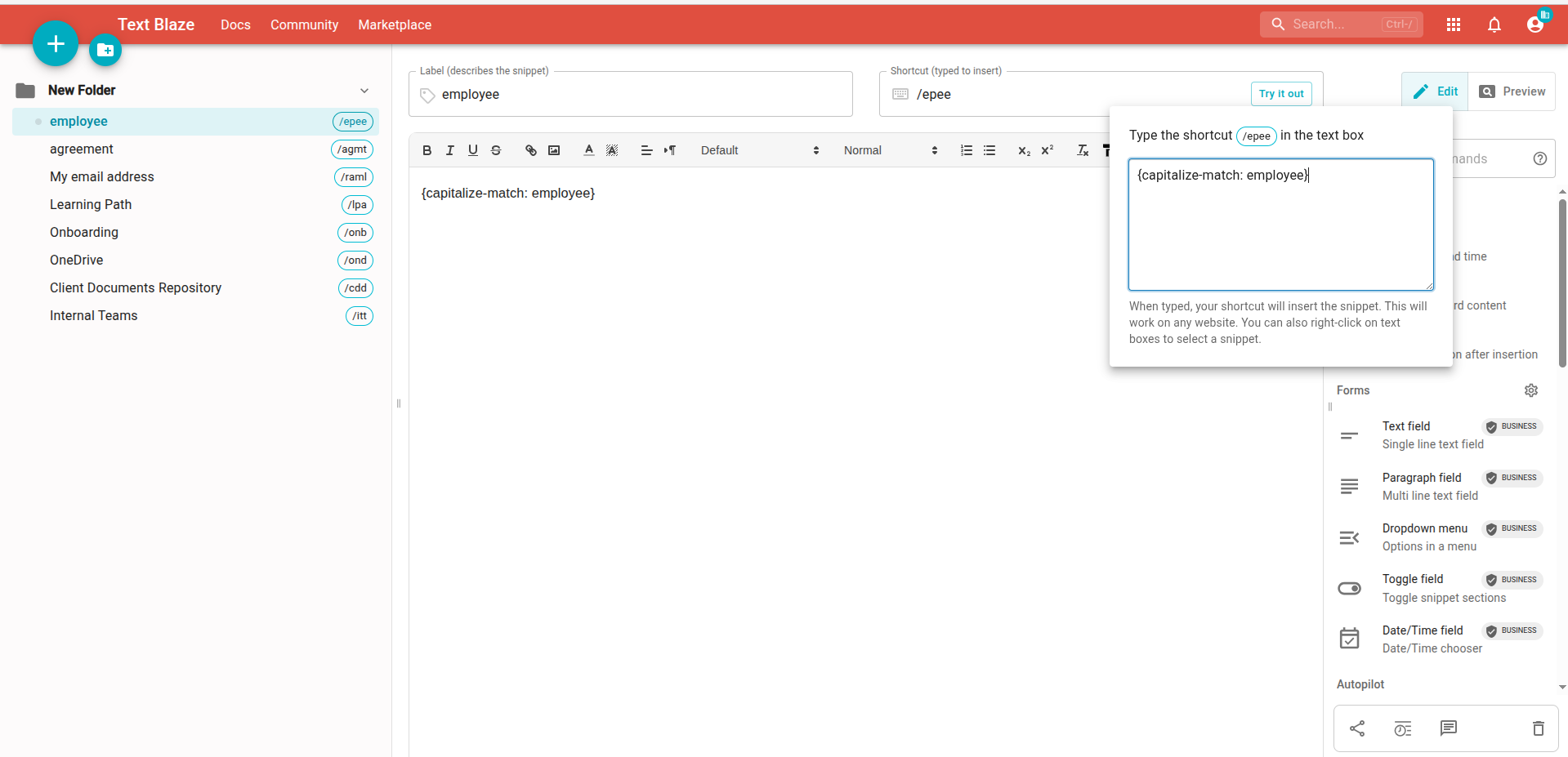
I'm tying to create a snippet that uses the {capitalize-match} command, where if I type /epee I get employee, but if I type /Epee I'll get Employee, etc. I understand this is a paid feature. My organization has a Business tier account, and I have been added to the organization by our IT team. However, when I set the snippet body to {capitalize-match}employee, typing /epee just returns {capitalize-match}employee as a text string. Additionally, I don't see {capitalize-match} in the Dynamic Commands list in my right sidebar, and searching "capitalize" or even "cap" doesn't return anything relevant.
Am I doing something wrong, or is this a legitimate error? Is there particular way to format the {capitalize-match} command that I'm missing? I've tried {capitalize-match}employee, {capitalize-match} employee (with a space), and {capitalize-match:employee}, and so far none of them have worked; they all cause /epee to return a plain text string that includes the {capitalize-match} part. Do I need to type the command somewhere other than the snippet body? Is there a plain text (as opposed to rich text) editor I should enable? If so, how do I do that?
Alternatively, is there something wrong with my organization's Business account, that Text Blaze's tech support or billing departments would need to straighten out?
Thanks for your help with this n00b question.