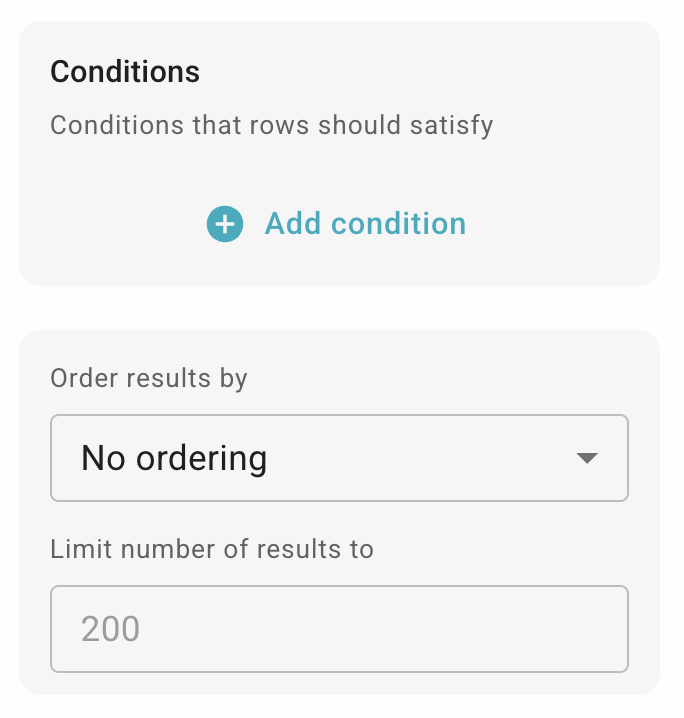
I used the example from the Connected Snippets page to create a multi-select dropdown menu. However, when I go to use the form snippet, the menu items are in a different order than they're listed in my connected table. Can I make the items in the dropdown menu display in the same order as my table?
Note that when you view things in Data Blaze, the ordering is controlled by your current "View". You can have multiple views for the same table in Data Blaze, each with different ordering and filtering.