I've been having this issue for a while and I can't seem to figure out what is going on.
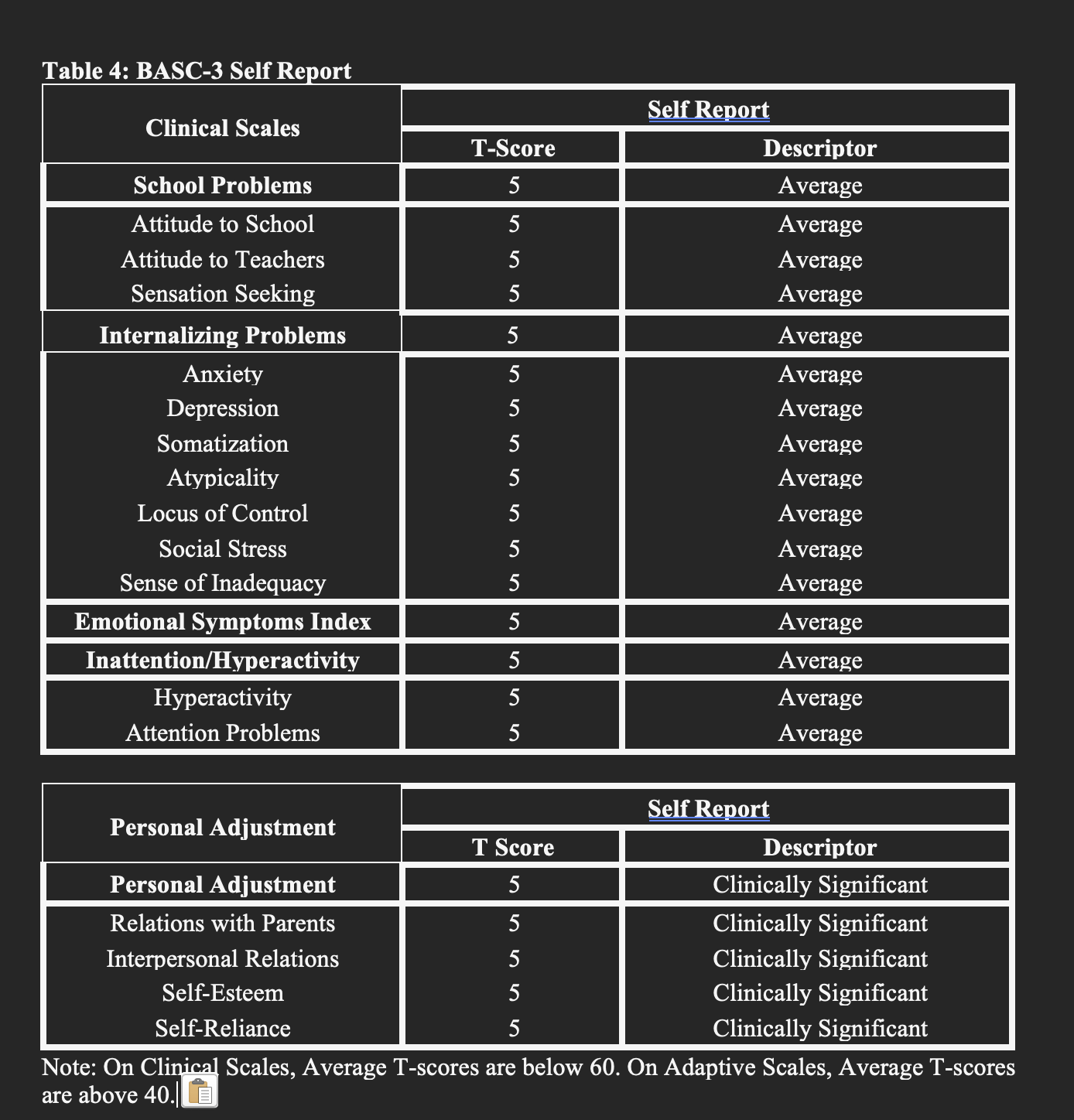
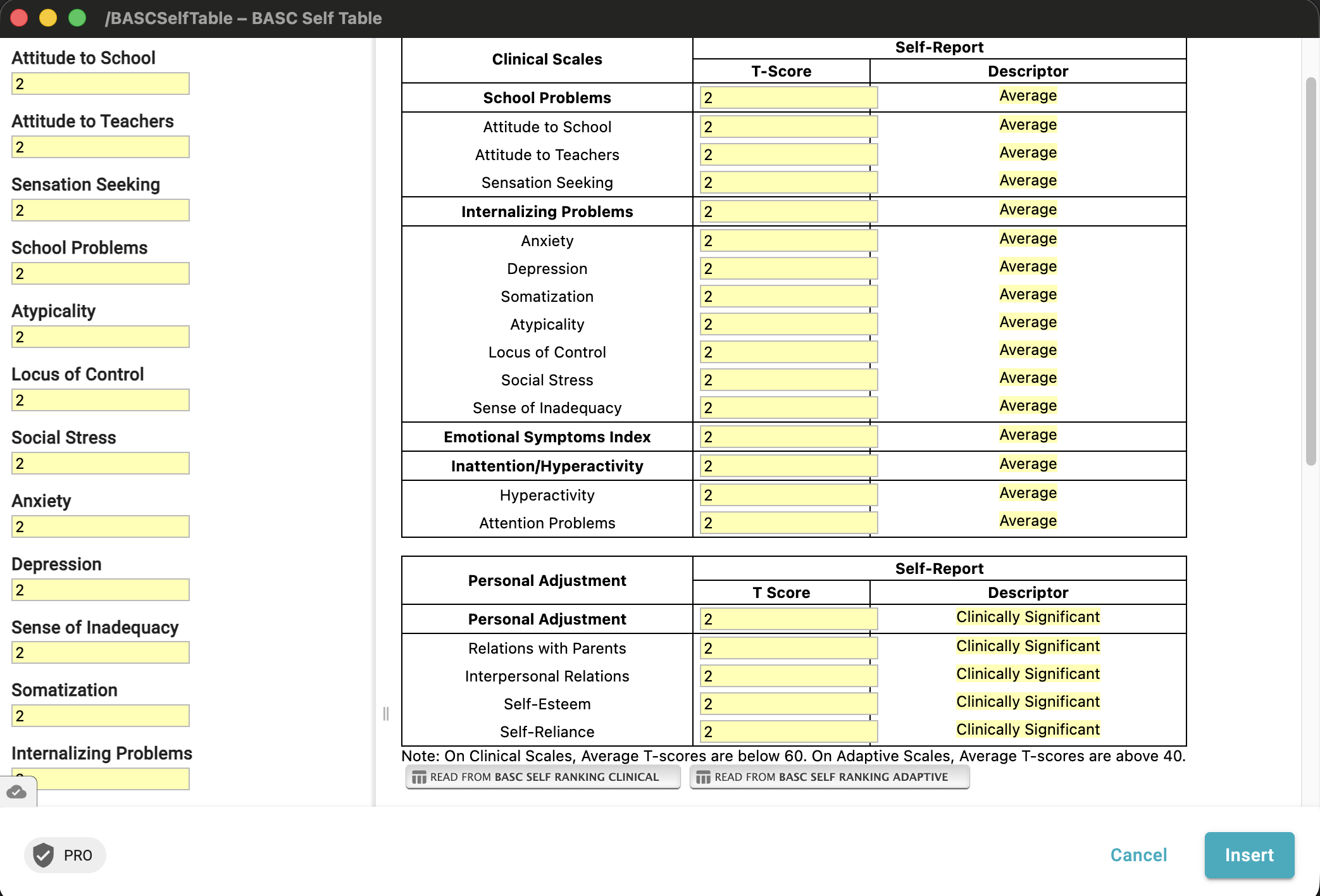
When I insert a snipper that has a table, some snippets randomly highlight parts of the border and cells of the table, other snippets do not. Can someone please direct me how to fix this problem? It makes certain snippets/table unusable.
Regret the inconvenience.
Can you please try this?
- Select all the cells in the table.
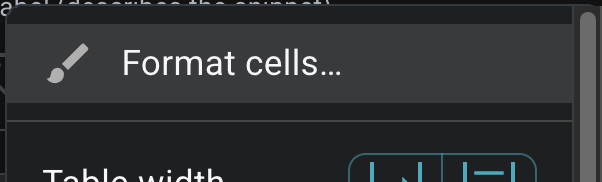
- Right-click on the table and select "Format cells"
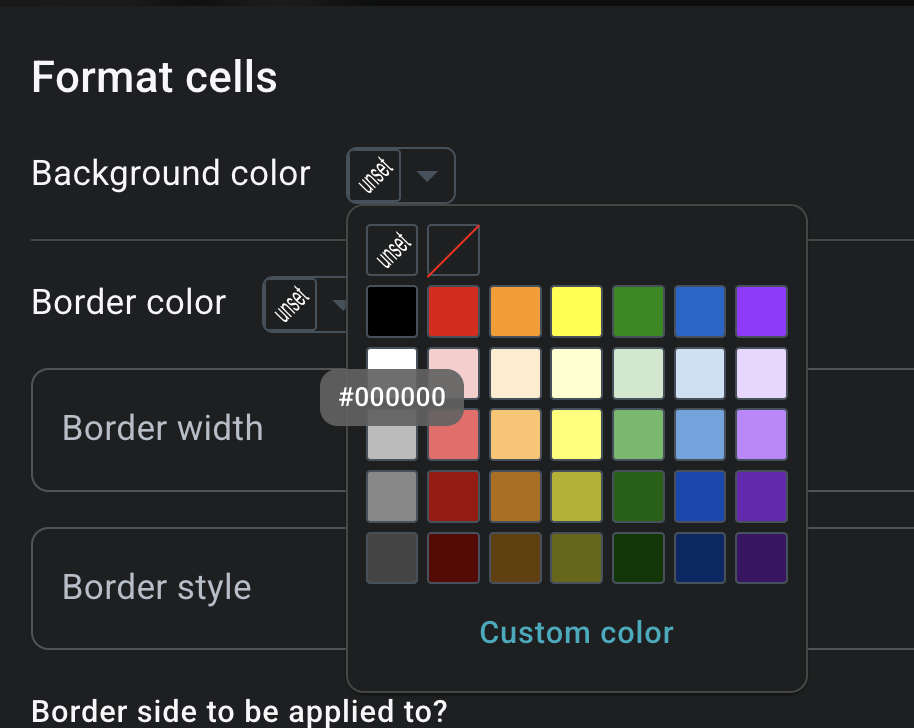
- Select black as the border color
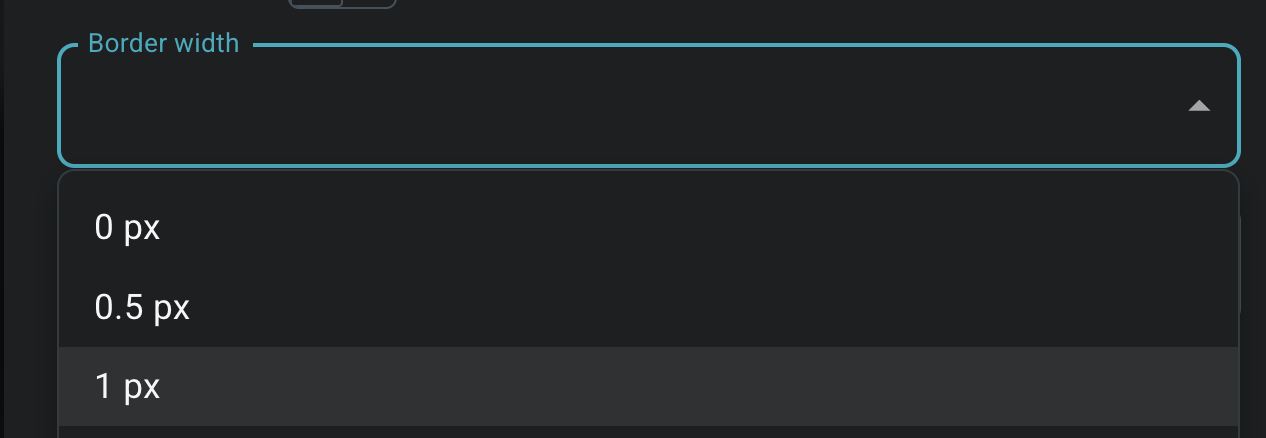
- Set Border width to 1px
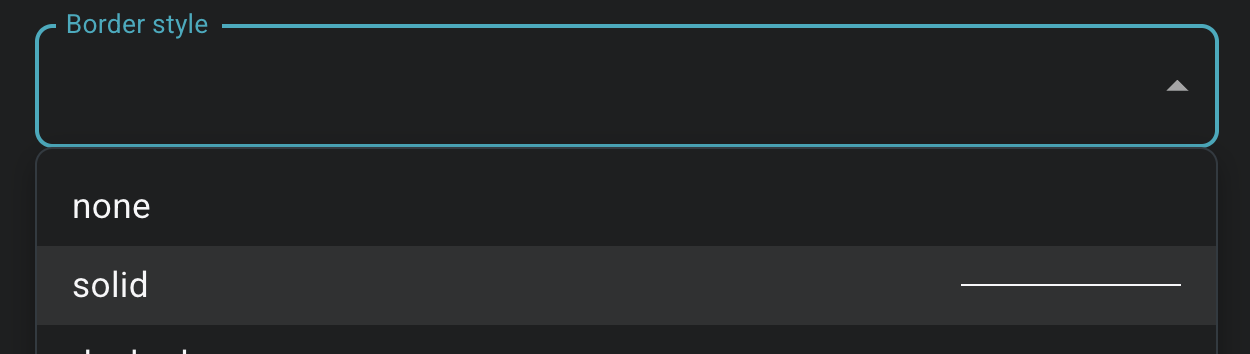
- Set Border style to solid
- Click on "Apply"
Please let me know if this fixes the borders.
If you can confirm this, we will investigate how to fix this.
Did you copy this table into the snippet or generate it manually?
Hi Vinod,
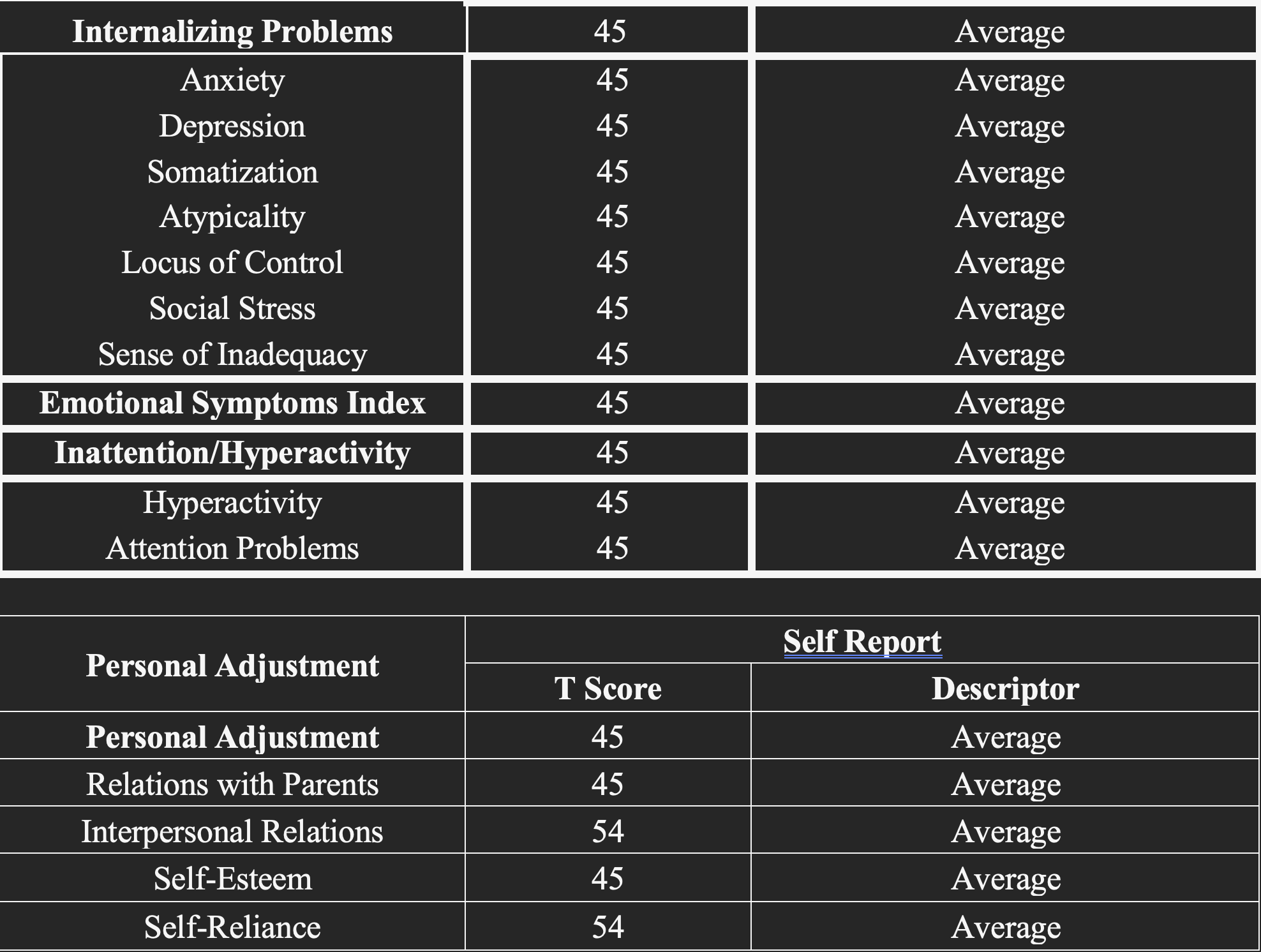
This work, but only partially. You can see in the picture that I have followed your instructions for the lower table, and it is now no longer bolded, however, it has also added additional lines where I do not want them. If you compare to my first picture you will see the difference I'm sure.
To answer your question, this table is pasted from a word document into textblaze and then modified from there.
Thanks for your help so far,
Nic
Pefect. The copied table added some additional styles which is misbehaving.
We will try to fix it while copying the table.
But for now, you have to manually apply the styles to your table.
In this specifc case you need to remove borders.
-
So please select the following cells
-
Right-click on the table and select "Format cells"
-
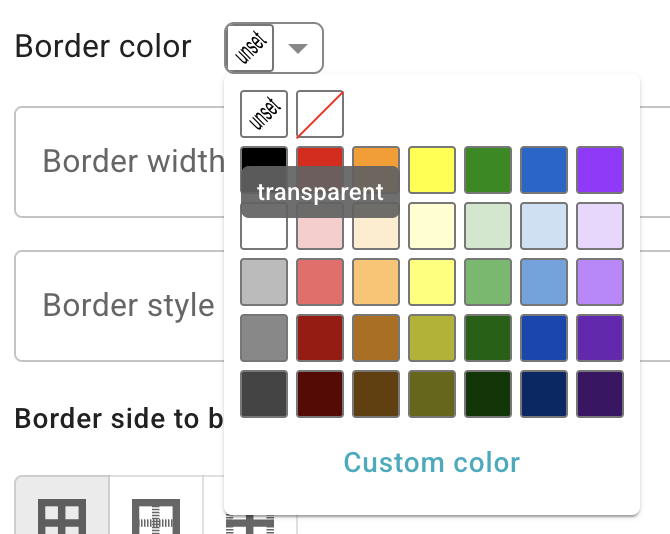
Set border color to transparent
-
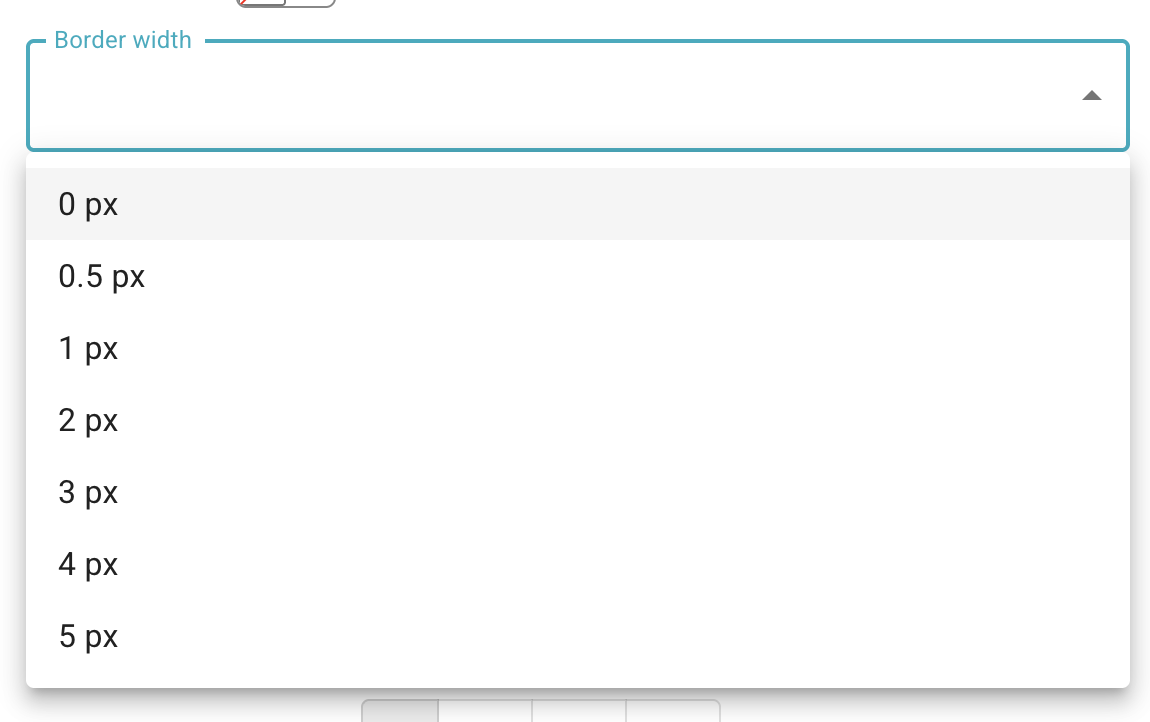
Set border width to 0px
-
Set border side to be Top (Important)
-
Click on "Apply"
This should remove the borders of those cells

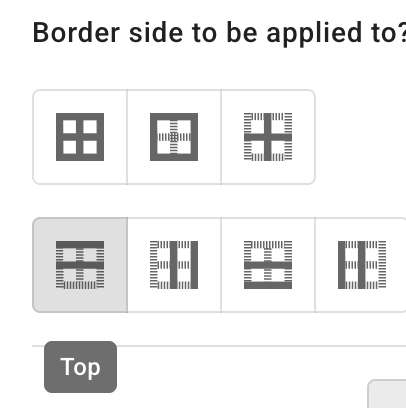
You can use the same principle to selectively apply border styles to your tables.
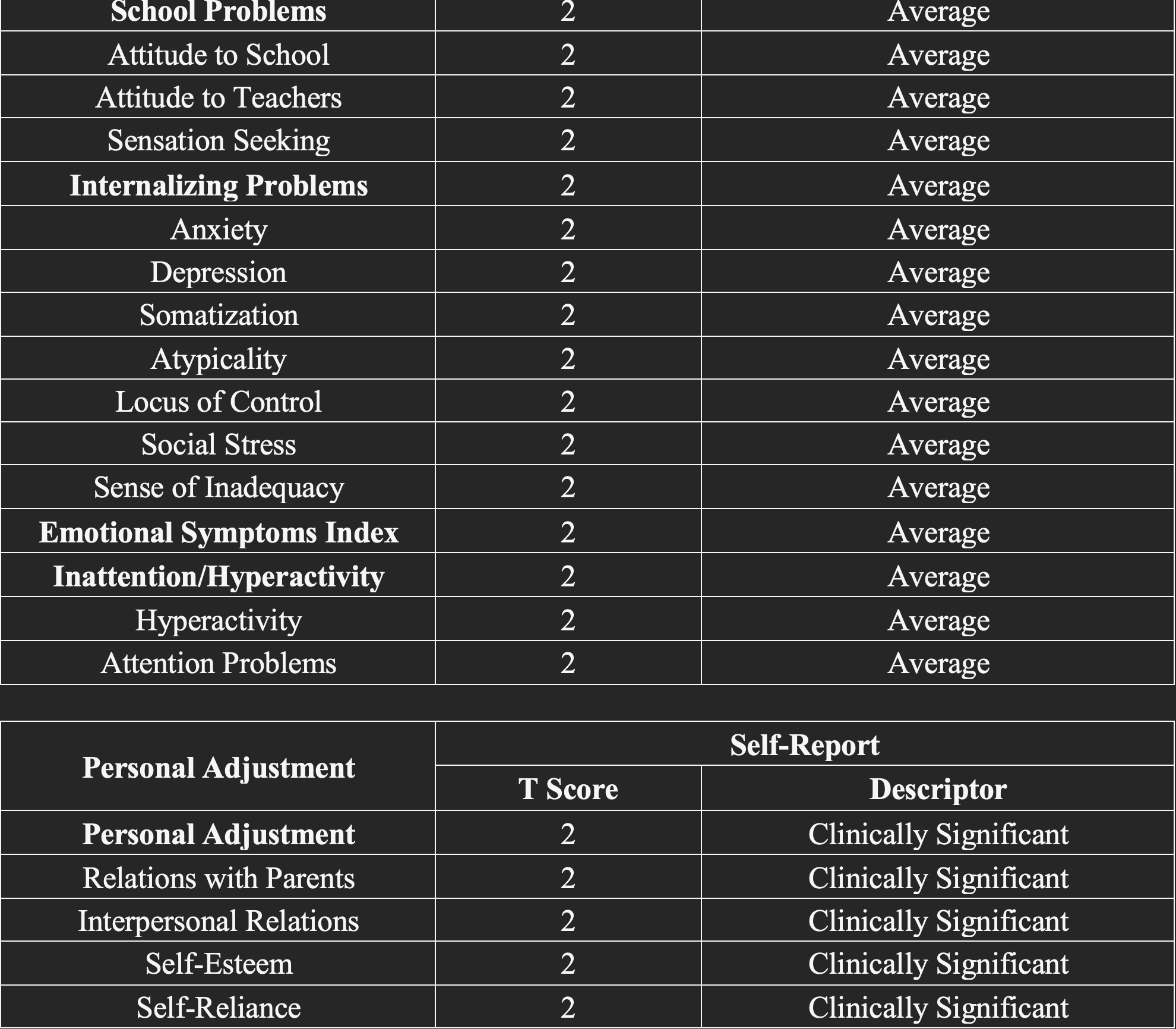
Can you try setting the border width to 1px from the same procedure?
May I know where you are trying to insert the snippet. So I can try myself and recommend the solutions that work for that website.
Hi Vinod,
I have been using the desktop app and almost exclusively use my snippets into microsoft word documents.
We were finally able to make it work! This latest procedure did not originally work, but I tried it again with the settings of: transparent colour, 1pt line, and the style set at none - and it worked! It appears that the style as none instead of solid was the important part as well.
Thank you so much for your help with this.
Best,
Nic
Thanks for the confirmation. Yes, different editors treat the styles differently.