Text Blaze shortcuts not triggering in Gemini/AI chat interface tab on Chrome

Hi everyone,

I’ve been trying to get my Text Blaze snippets to work within the Gemini chat interface. Initially, I suspected a conflict with the / character, so I changed my shortcut trigger to ;;.

Unfortunately, even after changing the prefix, the shortcuts are still not triggering in the Gemini chat box. It seems like the interface might be blocking the extension’s ability to inject text regardless of the trigger character I use.

Has anyone else encountered this specific issue with Gemini? Are there any other settings in the extension or browser I should look at to get this working properly?

Hi @zduncan Welcome to the forum! :slight_smile:

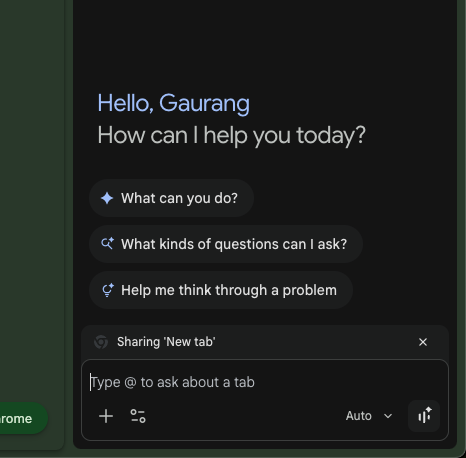
Are you referring to the Gemini sidepanel in Chrome, that looks like this:

and it pops up when you click "Ask Gemini" in the top right of Chrome:

image

Your observation is correct that the Chrome browser blocks the extension from running inside this panel. To make it work, you can switch to the Text Blaze desktop app, which is unaffected by such blocks. Make sure to also uninstall the extension and restart your Chrome browser, so that the desktop app will work inside the browser.