Good morning Blazers!
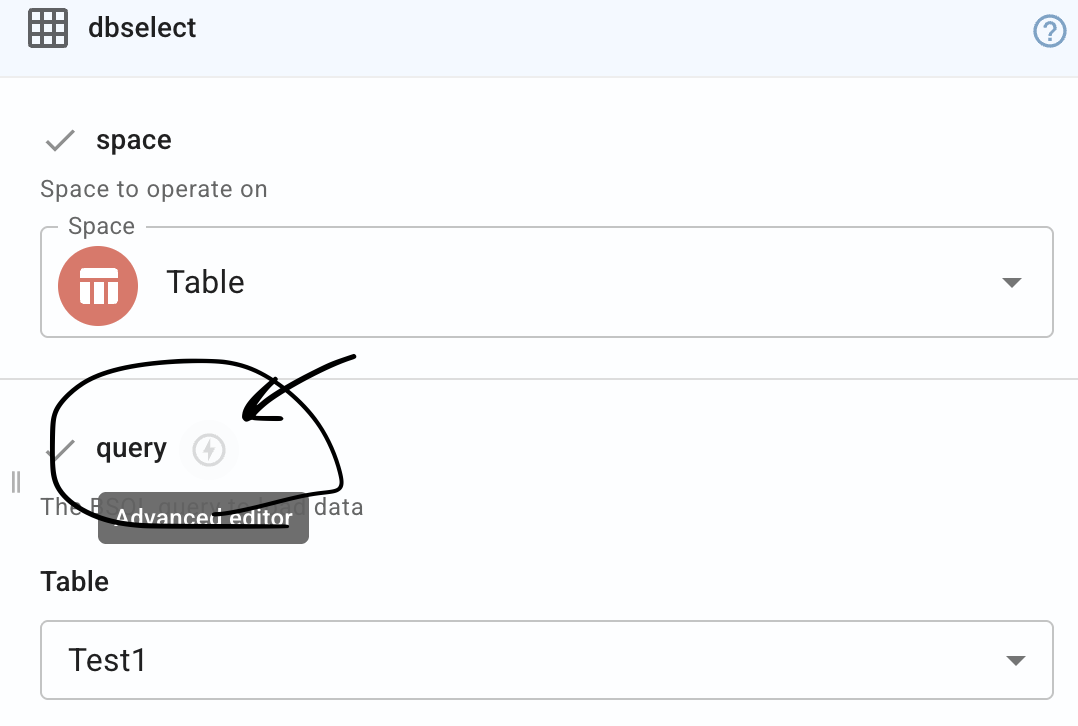
I've been trying to wrap my head around querying a DataBlaze server for specific rows that have have cells in a column that have the same text in them as the query.
My DB has 9 columns: cid, link, brand, other_brand, model, lookingfor, fit, reason, createdby.
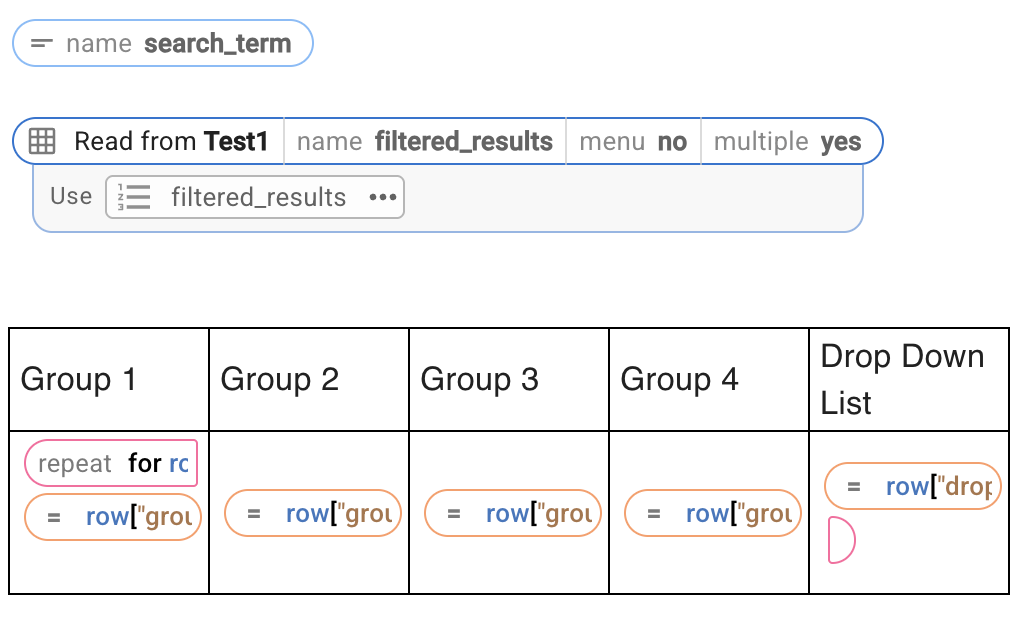
So I know how to set up the "Use Row" and set up a table to display all of the information in the DB.
I want to take it 1 step further to where I can have a textform that will be used as a query input that will pull all rows that have a cell with that data.
Any assistance that anyone can offer would be greatly appreciated.
This is the snippet that saves data into my DB:
{note}
Gladly ID:
{formtext: name=cid}Gladly Link:
{formtext: name=link}Chainsaw Brand:
{formmenu: Select Brand; default=Stihl; Husqvarna; Echo; Oregon; Other; name=brand}{if: brand == "Other"}: {formtext: name=other_brand}{endif}Model:
{formtext: name=model}Looking for:
{formmenu: default=; Bar; Chain; Bar and Chain; name=lookingfor}Was it a Fit?
{formmenu: default=; Yes; No; name=fit}{if: fit == "no"}{formmenu: default=; Bar Not A Fit; Chain Not A Fit; Other; name=reason}{endif}{dbinsert: INSERT INTO chainsaw; space=removed, because I don't know if this is sensitive; autoaddfields=yes}{endnote}
This is the snippet that I currently have to display all of the data from the DB:
{note}
cid brand created by link other_brand fit model reason lookingfor
{repeat: for row in results}{=row.cid} {=row.brand} {=row["created by"]} {=row.link} {=row.other_brand} {=row.fit} {=row.model} {=row.reason} {=row.lookingfor}{endrepeat}
{dbselect: SELECT cid, brand,
Created by, link, other_brand, fit, model, reason, lookingfor FROM chainsaw; space=removed, because I don't know if this is sensitive; menu=no; name=results; multiple=yes}{endnote}